


For your own user
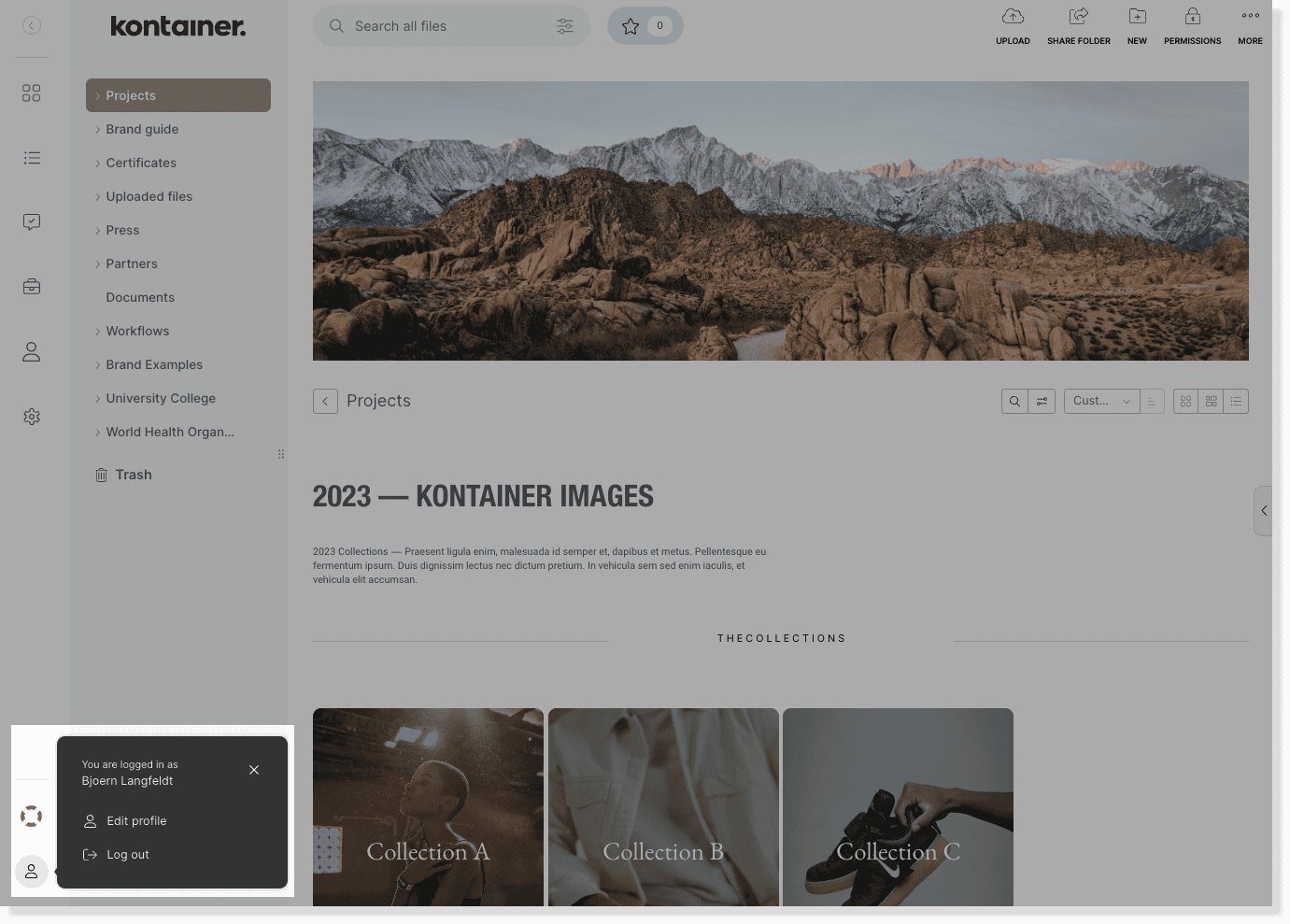
Go to your user profile icon in the bottom left corner and click edit profile.
Select set new password and either manually type in a new password or autogenerate a password.

Remember to hit save to confirm.
For other users
You need to be an admin user, to change/reset the password for any other user.
If you do not want Admins to be able to do this, contact Kontainer-support and we will disable it for your Kontainer.
Go to Access > Users and click on the user you want to change the password for.
Find the password settings to manually type in a new password or autogenerate a password.
Remember to hit save to confirm.

—
That’s about it.
Let us know in case of questions.