
Pro+ feature
We recommend enriching your files with tags and adding advanced search filters.
In Kontainer, we organize tags and filters under the function Custom Fields. That’s our technical term for different categories of tags and search filters.
Read a lot more on how to set up custom fields here.
Once your custom fields have been set up, you’ll want to add values/tags to any that use the select function.
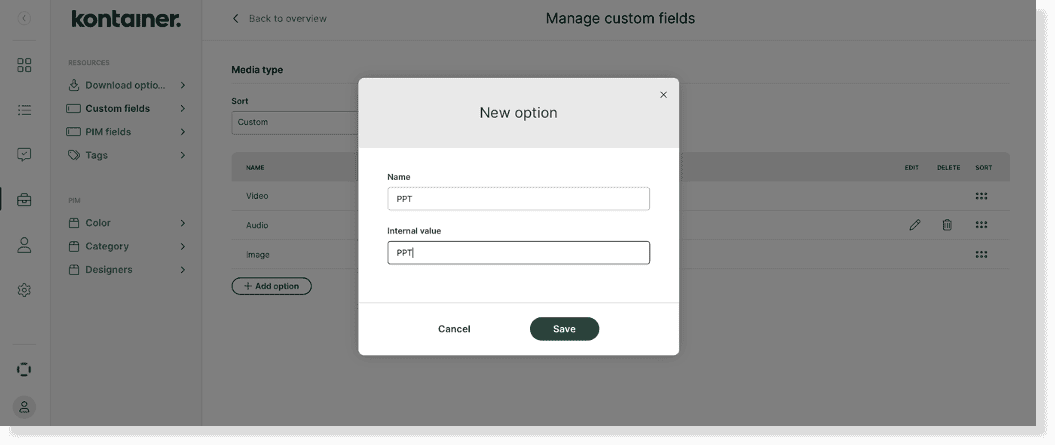
Go to Resources → Custom Fields and start adding in your options. Unless otherwise instructed, you can add the same in both
‘’Name’’ and ‘’Internal Value’’.
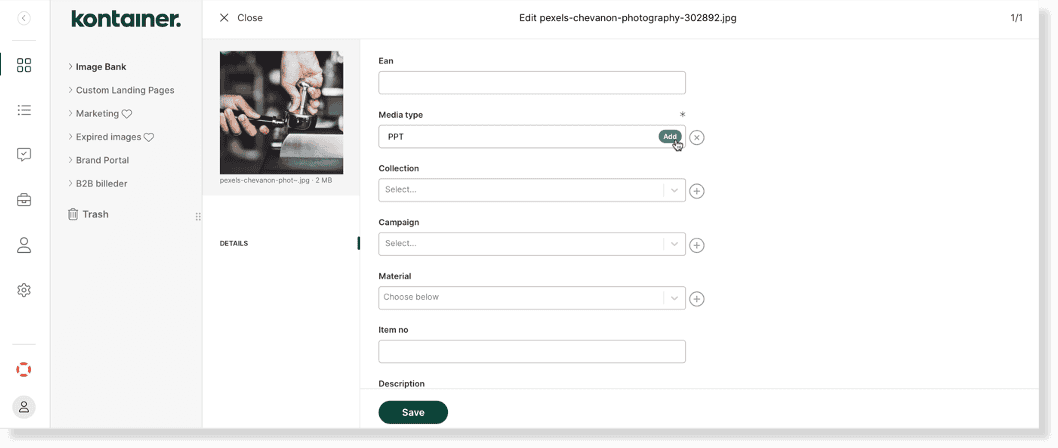
You can also add values later when editing the data on your files.
—
That’s it, really!
Get in touch about custom fields, filters and search.