
Kontainer Helpdesk Kontainer Helpdesk

  • Knowledge base
  • End-user guide
  • Admin user guide
  • Support
Home / Admin settings, Users, groups & permissions / Enable Terms and Conditions

Enable Terms and Conditions

Admin users only PIM DAM
1482 views Less than a minute 0

Create a terms and conditions message that will appear when a new user logs in. This text can be any important notice, such as legal or ethical conditions that your company requires users to adhere to when browsing, downloading, sharing or using your images, files and data.

The message will appear when a user logs into your Kontainer for the first time.

Here is an example:
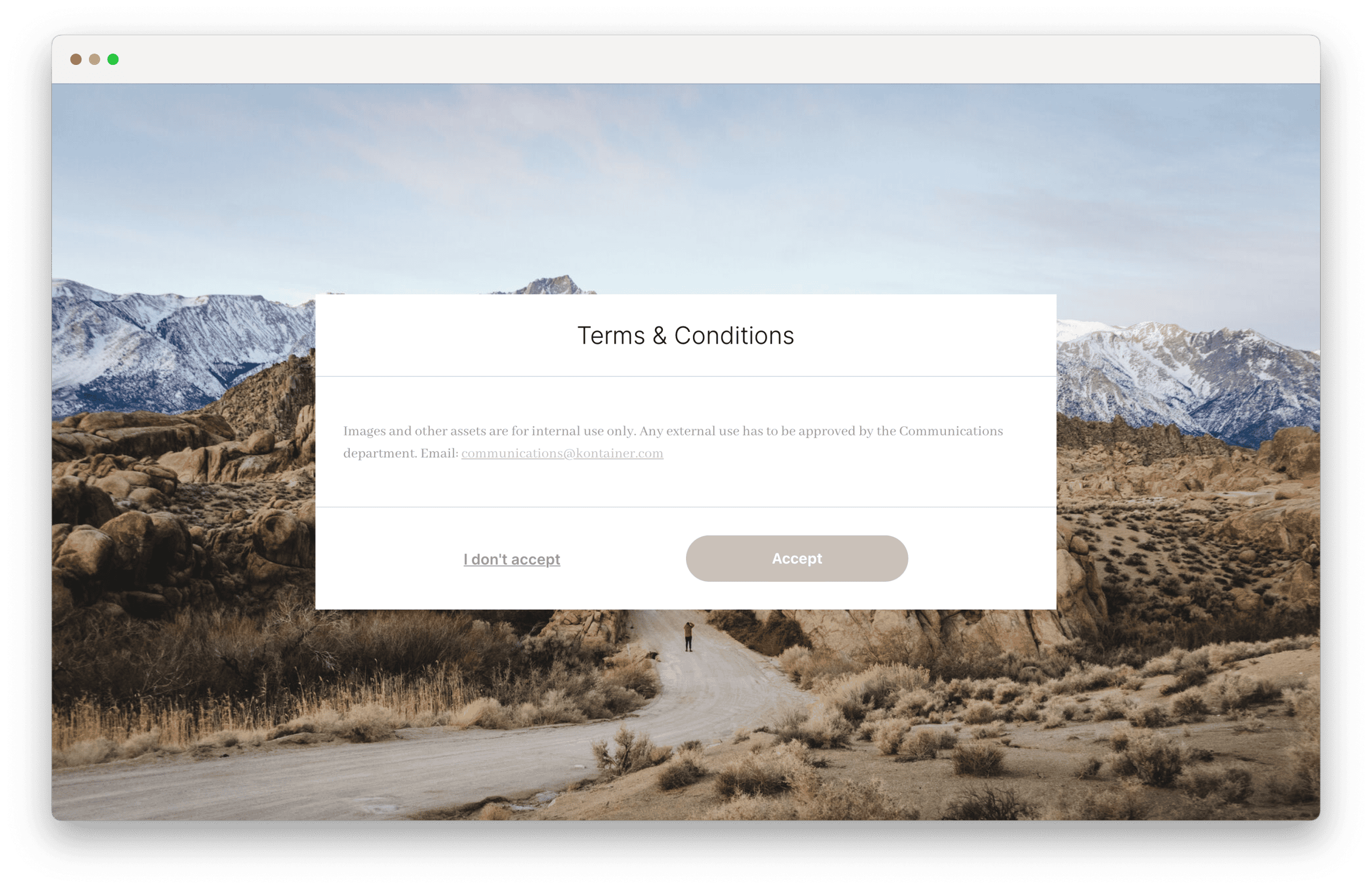
Kontainer DAM & PIM: Terms and Conditions message shown to be accepted before access is provided

If you have any questions about managing terms and conditions in Kontainer, please email the Customer Success team.


Create terms and conditions in Settings

Go to Settings/Configuration/Security and legal and tick the box Enable terms and conditions.

Choose a headline and create formatted body text for the pop-up message.
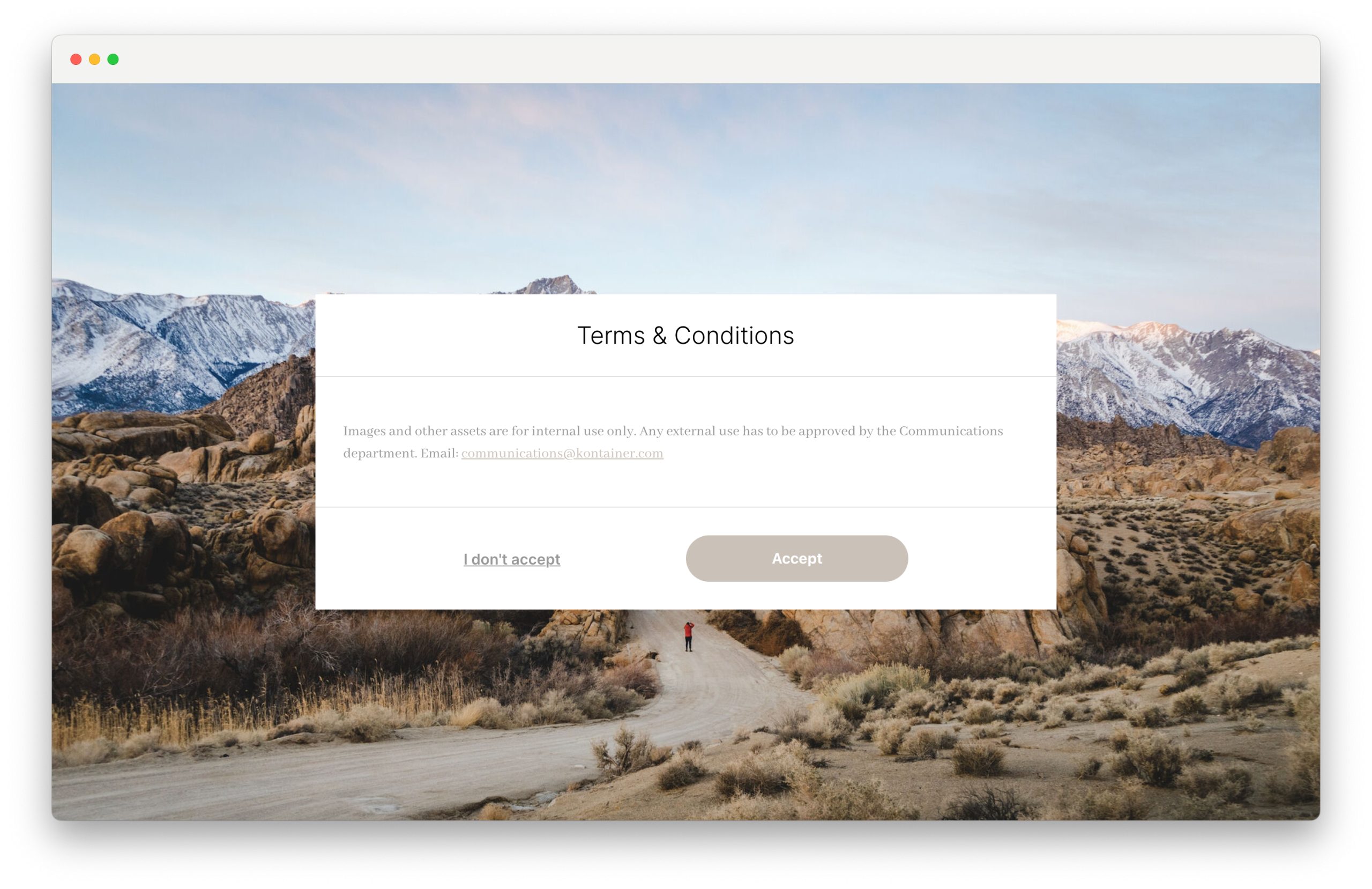
Kontainer DAM & PIM: creating Terms and Conditions for access


Thank you for visiting our helpdesk. Please let us know if you have any questions.

Admin users onlyPIMDAM Admin settingsUsers, groups & permissions

Table of Contents

Related Articles

  • Hubspot plugin guide
  • Administrator guide
  • Adding Spacers in Your Folder Structure
  • E-mail settings

Follow us

Remote support

Book a support session here

For desktop sharing click here

Cookie & Privacy Policy

Please read our privacy policy

Click here

Copyright 2026 Kontainer All rights reserved.