
Kontainer Helpdesk Kontainer Helpdesk

  • Knowledge base
  • New Admin Guide
  • Support
Home / Layout & Styling / Change Login Background Image

Change Login Background Image

Admin users only
1365 views Less than a minute 6

The most salient component on your login page is the large background image that immediately impresses the user. This is a great place to present a strong brand, collection, or seasonal asset.
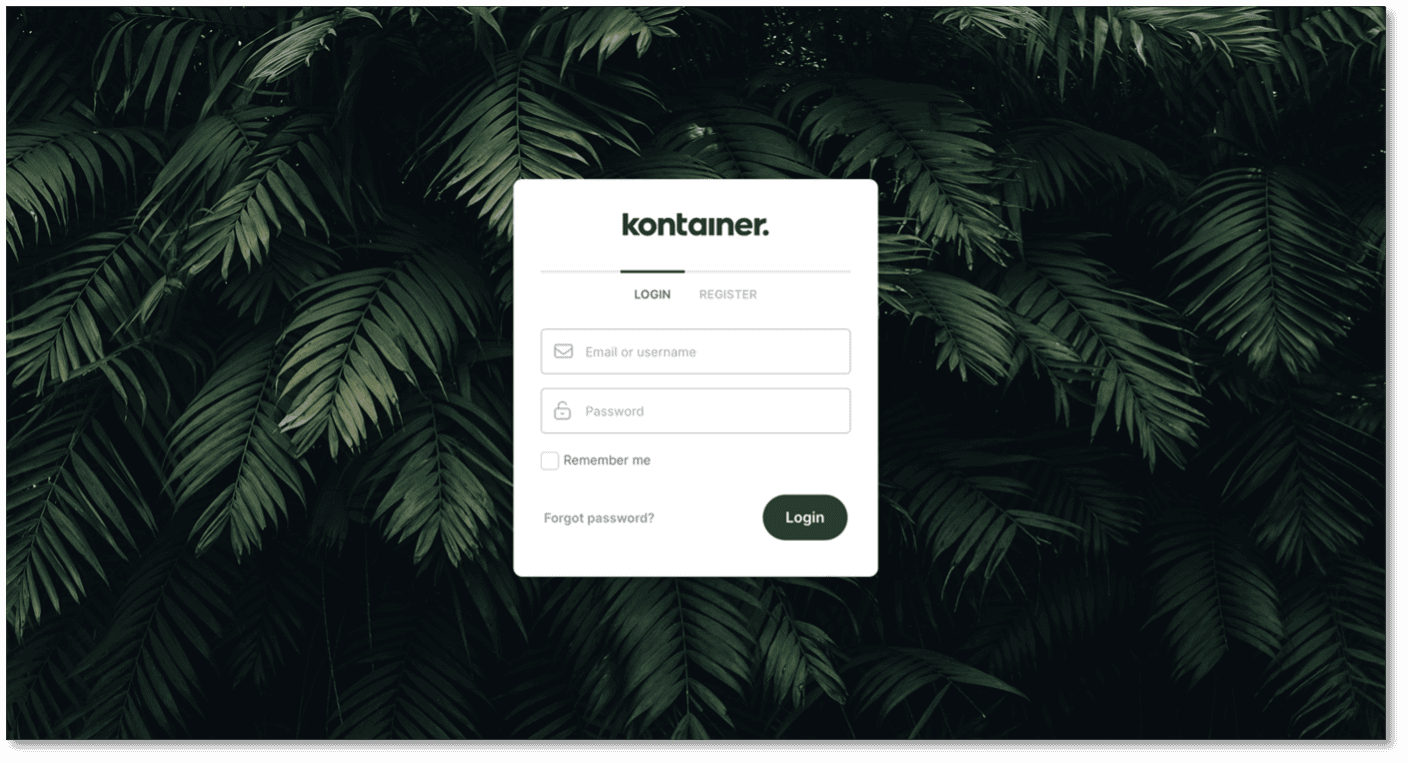
Kontainer Login Page

Your background image specs:

  • JPG or PNG
  • Max size is 3000x2000px

You change the image under Settings – Appearance (General)
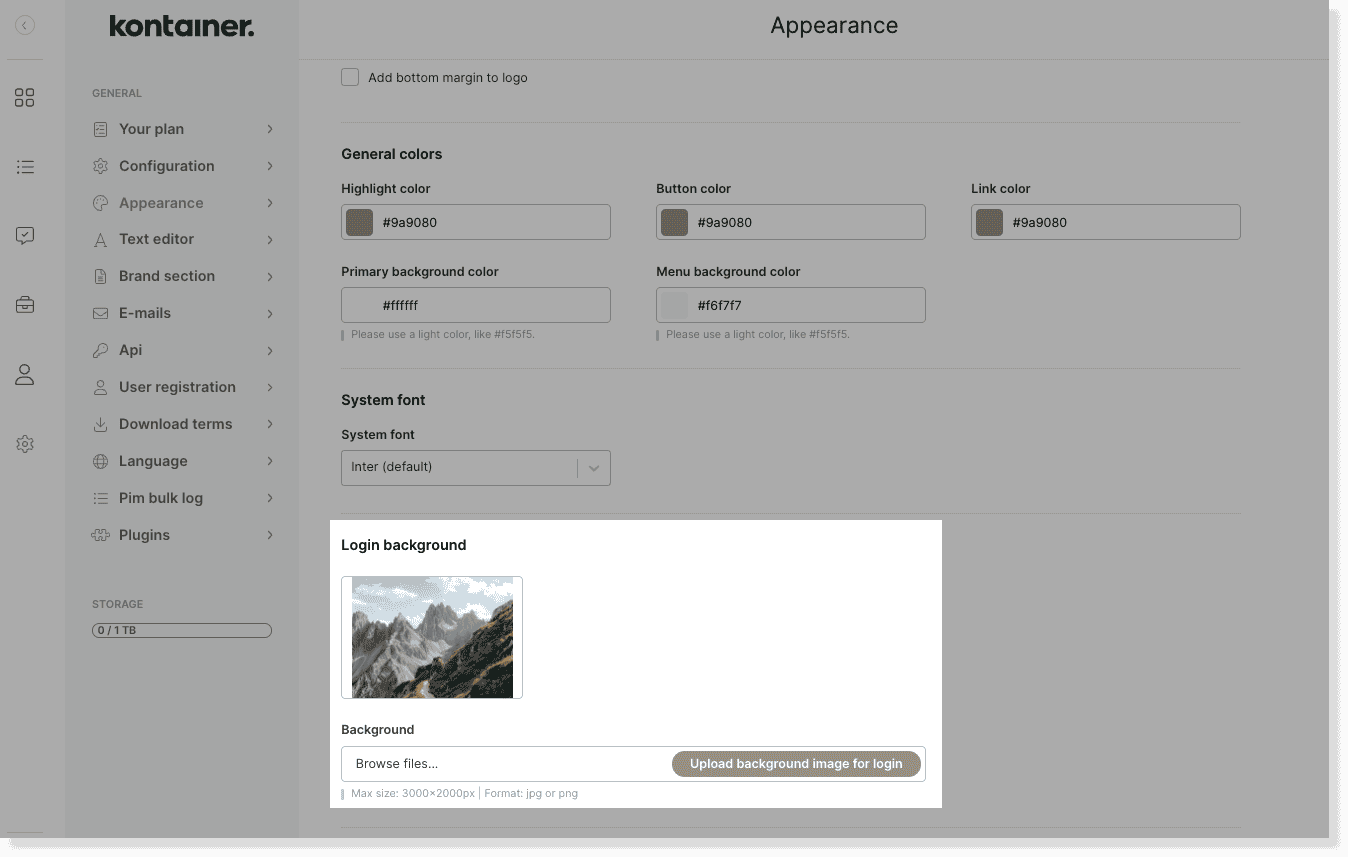
Login background image image 2

—

Read a lot more about styling your Kontainer here.

Admin users only Layout & Styling

Table of Contents

Related Articles

  • Hiding the Folder Menu
  • Adding Spacers in Your Folder Structure
  • Headings and descriptive text for DAM tagging and PIM fields
  • Styling your Kontainer

Follow us

Remote support

Book a support session here

For desktop sharing click here

Cookie & Privacy Policy

Please read our privacy policy

Click here

Copyright 2025 Kontainer All rights reserved.